
Key Takeaways
- WriteUpp is the first practice management platform to support Tap to Pay on both iOS and Android, through the WriteUpp Pay app.
- Tap to Pay uses NFC technology to turn your smartphone into a contactless payment terminal - no extra hardware needed, saving practices around £200/$350 in card terminal costs.
- Payments are collected instantly at the end of appointments, improving cash flow and reducing missed or delayed invoices.
- Transactions are automatically reconciled with client appointment records in WriteUpp, cutting down on manual admin work.
- Setup takes just four steps: download the app, log in, accept permissions, and complete the eligibility check.
Getting paid should be simple. But for many healthcare practices, payments still involve extra hardware, manual reconciliation, and time spent chasing invoices.
With Tap to Pay, that process becomes much easier.
Whether you’re working in a clinic, running a busy practice, or visiting patients at home, Tap to Pay gives you the flexibility of making payments wherever you are.
Even better, WriteUpp is the first practice management platform to support Tap to Pay on both iOS and Android devices, through the new WriteUpp Pay app.
This guide covers the essentials of Tap to Pay and how the WriteUpp Pay app can complement your practice, simplifying the way that you collect payments.
Let’s take a closer look at how it works.
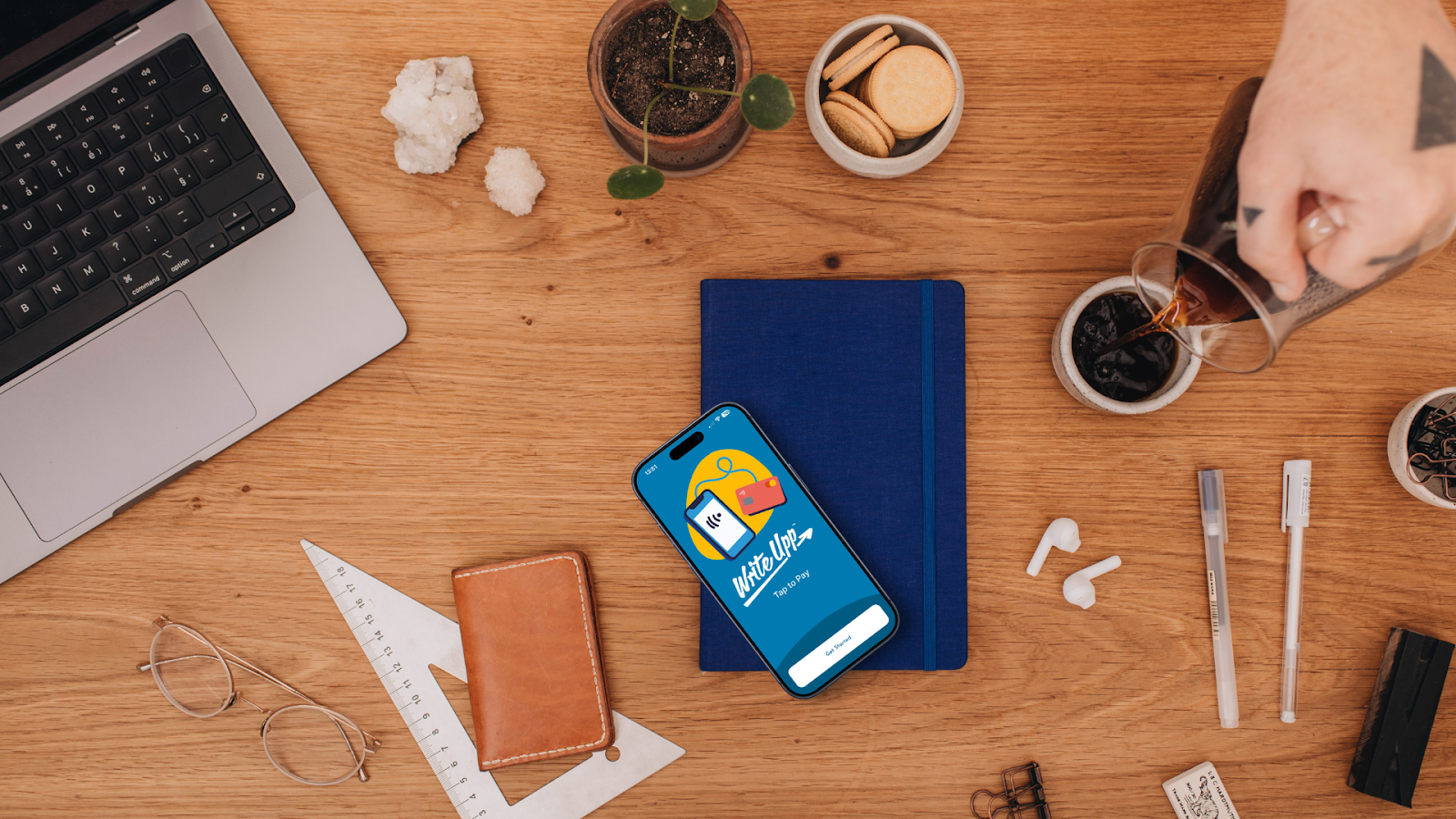
What is Tap to Pay?
Tap to Pay turns your smartphone into a contactless payment terminal using Near Field Communication (NFC) technology.
Instead of using a separate card machine, clients simply tap their card or digital wallet against your phone to complete a transaction.
Tap to Pay supports:
- Contactless debit and credit cards
- Digital wallets (Apple Pay, Google Pay, Samsung Pay)
Payments are completed instantly and securely, just like they would be on a traditional card terminal.
For many practices, this removes the need for additional hardware, which could save you roughly £200/$350 in card terminal costs.
But, the benefits go beyond savings, Tap to Pay can make your day-to-day workflow much smoother, and is a more reliable and secure option compared to other forms of payments.
The Value of Tap to Pay
Who wants tools that slow down your workflow?
When running your healthcare practice, having a payment solution that fits the way you work is key to streamlining your workflow and improving the patient experience.
Tap to Pay helps you do that, here’s how:
No Hardware Required
Traditional terminals can be expensive to purchase, require time to set up and need maintenance over time.
With Tap to Pay, your smartphone becomes your terminal.
There’s no need to buy, carry, or maintain a separate card reader. Everything happens directly through the WriteUpp Pay app.
Clients also benefit from a smoother payment experience. Instead of needing to log into their banking app later or worrying about having cash on hand, they can simply tap their card or phone and be on their way.
Faster Payments
Have you ever finished an appointment only to realize you still need to send an invoice and have to wait for the payment to arrive?
For many practices, this can mean days or weeks of waiting, even sometimes requiring you to chase clients for the payment.
With Tap to Pay, payments can be collected immediately at the end of an appointment.
This not only improves cash flow but also reduces the risk of delayed or missed payments. As a result, a smoother experience for both you and your clients is created, allowing appointments to wrap up cleanly with everything taken care of.
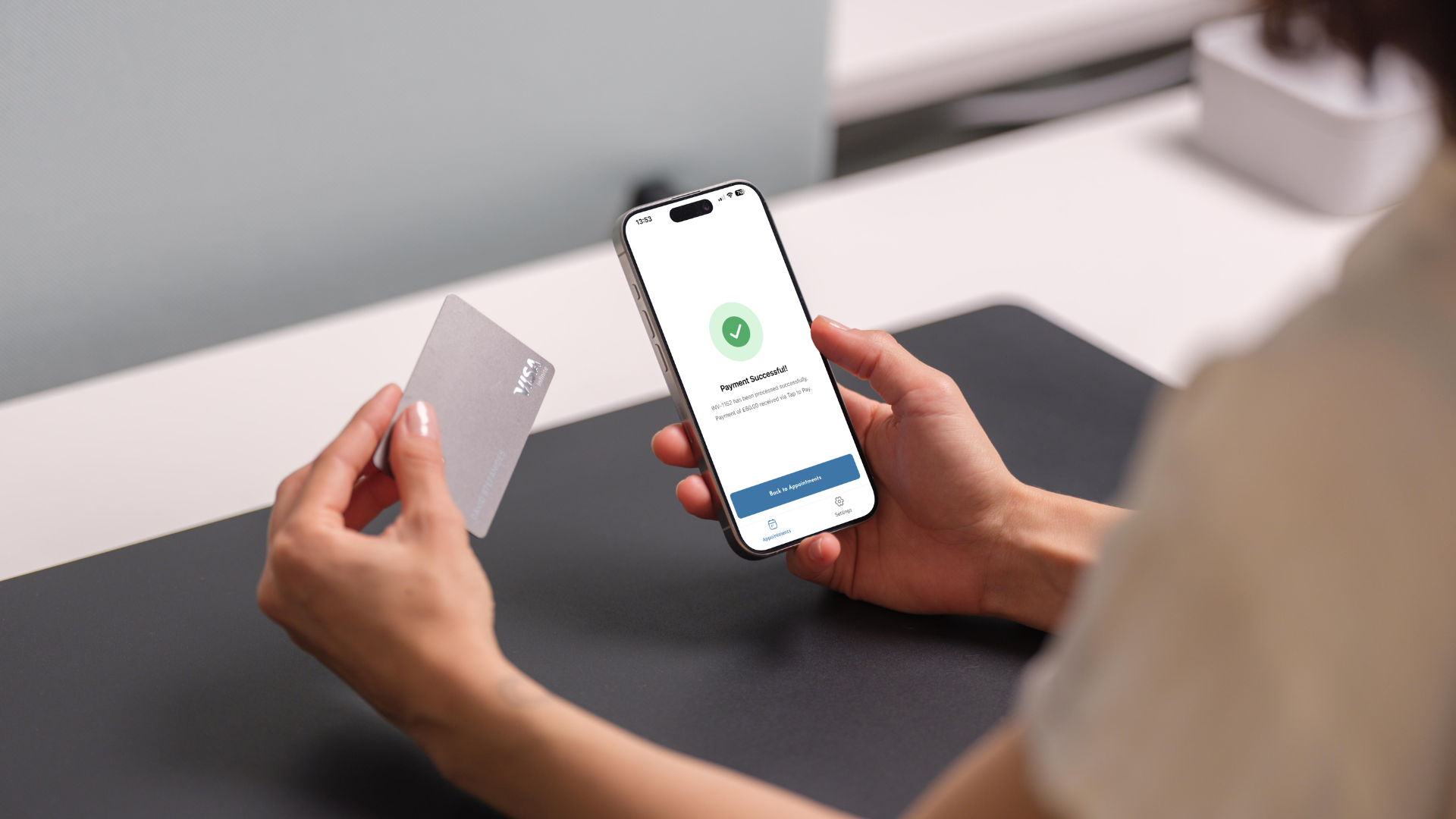
Automatic Payment Reconciliation
One of the biggest hidden time drains in practice management is reconciling payments.
Matching bank transfers to appointments, checking invoices, and confirming who has paid can quickly add up to many hours of administrative work.
With Tap to Pay, payments are automatically linked to the client’s appointment record within WriteUpp.
That means no manual matching, no spreadsheets, and far less time spent on admin tasks.
Instead, you can focus on what matters most: delivering great care to your clients.
How To Set Up the WriteUpp Pay App
After learning about the value of Tap to Pay, you might be wondering how to get started?
The good news is that setting up the WriteUpp Pay app is quick and straightforward.
To begin using Tap to Pay, simply:
- Download the WriteUpp Pay app in either the Google Play or Apple Store.
- Log in using your WriteUpp account credentials
- Accept the required app permissions
- PComplete the eligibility check for required functions
Once these steps are complete, you’ll be ready to start accepting payments directly from your phone.
If you’d like a more detailed walkthrough of the setup process, you can find the full guide here.
Taking Payment with Tap to Pay
Once everything is set up, taking a payment only takes a few seconds.
- Find the appointment or invoice that has to be paid
- Tap the blue button (“Tap to Pay on iPhone” or “Take Payment)
- Collect payment
- Confirm whether the client would like a digital receipt
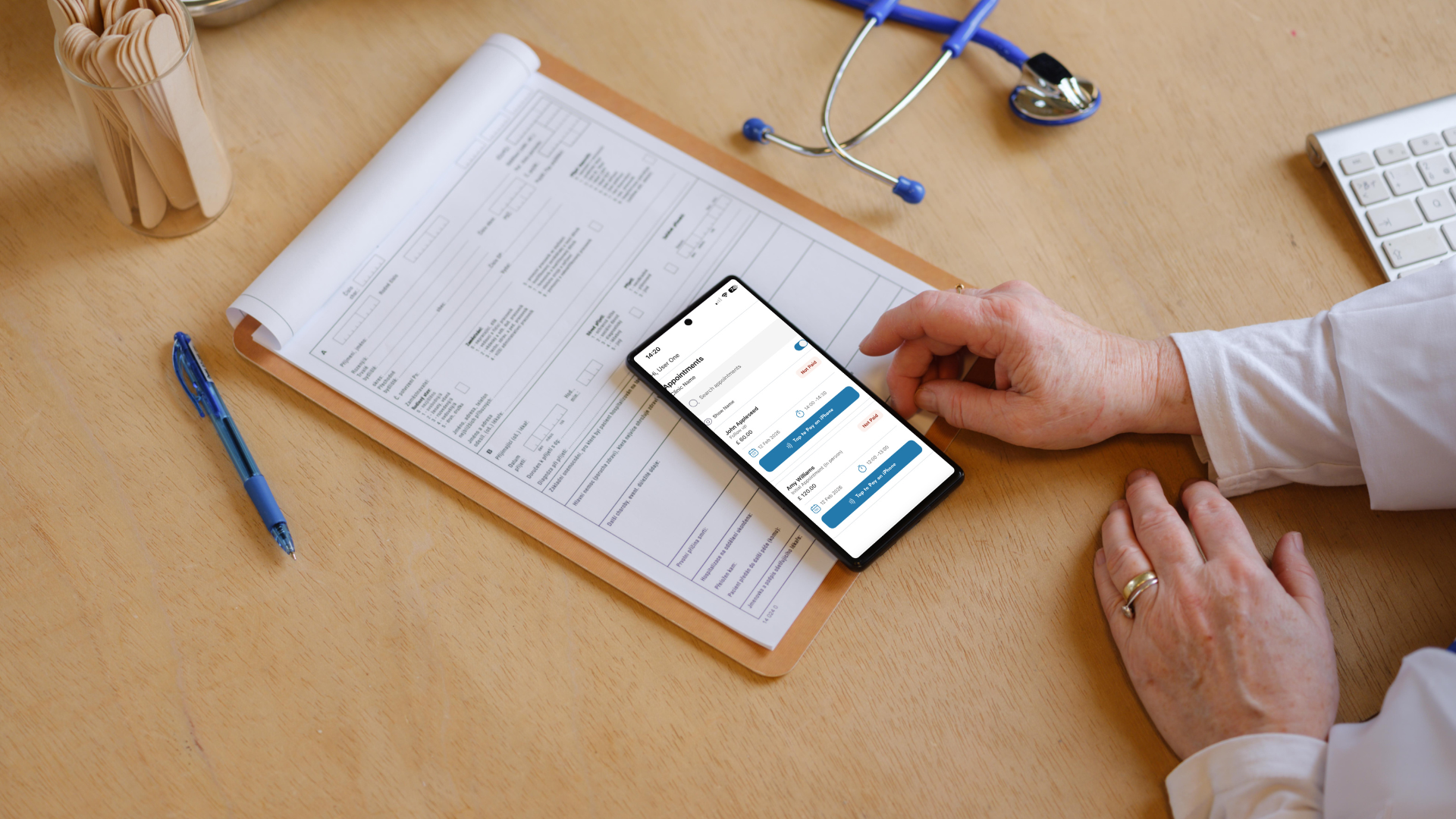
The payment will then be processed instantly and recorded within WriteUpp.
If you'd like a more detailed step-by-step guide for taking payments, you can find it here.
Final Thoughts
Collecting payments shouldn’t add extra work to your day.
Tap to Pay makes it easier for healthcare practices to collect payments quickly, securely, and without additional hardware.
By turning your smartphone into a contactless payment terminal, you can:
- Get paid immediately after appointments
- Reduce admin time
- Offer patients the convenience of contactless payments
- Accept payments on-the-go.
With the WriteUpp Pay app, collecting payments has never been simpler, helping your practice run more smoothly every day.

.png)

.png)
.png)


Join over 50,000 clinicians that we've helped using WriteUpp
Start my free trial